Win back inactive customers in 15 minutes a week
Getting a past customer back costs far less than finding a new one. This routine uses the Inactive segment, WhatsApp and follow-up dates.
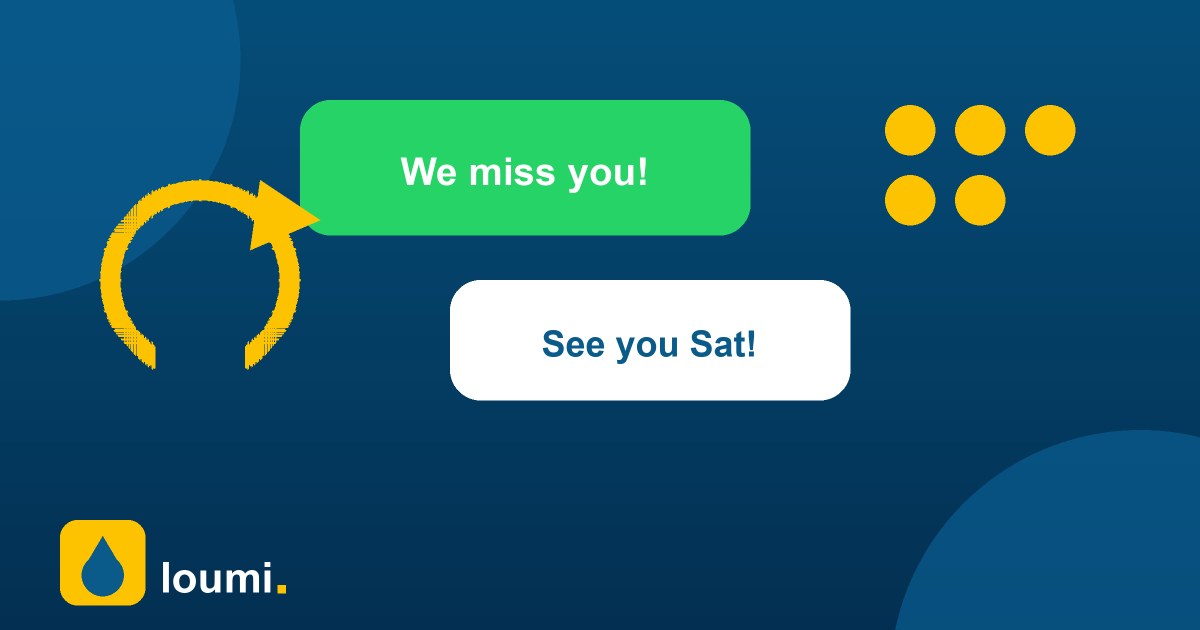
1. Open the Inactive segment every week
In Customers, tap Inactive: it lists everyone who came at least once but not in the last 45 days, newest first. Start at the top: the more recent the last visit, the easier the comeback. Skip anyone without a phone and tag the rest so you can measure later.
2. Send a short, personal WhatsApp
Open the customer and tap WhatsApp: the message already says you miss them. Add one concrete reason to come back this week, such as a promotion, a free vacuum or a quick booking link. Log it with the WhatsApp note type so your team knows they were contacted.
3. Set a follow-up and measure
Set a follow-up date one week later. When the date arrives the customer appears under Follow-ups: if they came back, mark it done; if not, try a call or let it rest. Every month, compare how many tagged customers returned to decide whether the offer works.
Keep reading
 Guides
Cash reconciliationA simple step-by-step method to close the cash register at your car wash, find differences and keep your numbers honest.
Guides
Cash reconciliationA simple step-by-step method to close the cash register at your car wash, find differences and keep your numbers honest.
 Guides
Reduce wait timesPractical ways to shorten the line at your car wash: turn numbers, clear states, time alerts and a better flow between host and cashier.
Guides
Reduce wait timesPractical ways to shorten the line at your car wash: turn numbers, clear states, time alerts and a better flow between host and cashier.
 Guides
Pricing your servicesLearn how to set prices for your car wash: know your costs, build packages, use add-ons and review prices without losing customers.
Guides
Pricing your servicesLearn how to set prices for your car wash: know your costs, build packages, use add-ons and review prices without losing customers.
