How to set up online booking in 10 minutes
Three decisions are enough: when you open, how long a wash takes and how many cars you can start at once. Here is how to get them right.
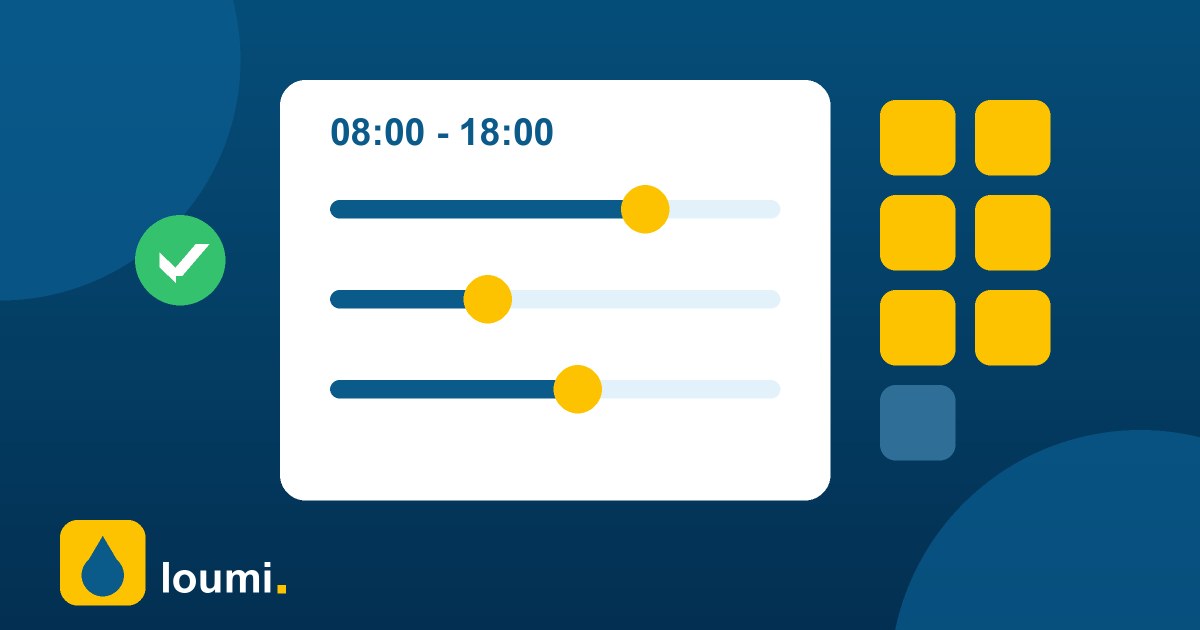
1. Choose days, hours and time between bookings
Go to More → Appointments → Online booking settings. Pick your open days and the opening and closing time for bookings (it can be shorter than your real hours, for example to keep the last hour for walk-ins). Set the time between bookings to roughly your most common wash: 30 minutes for exterior, 60 for full service.
2. Set capacity and notice
Cars per time slot is how many vehicles you can start at the same moment: one per bay or per team. Minimum notice prevents surprise bookings ten minutes from now; one hour works for most car washes. Days ahead limits how far into the future people can book, 14 to 30 days is typical.
3. Turn it on and check in your first booking
Switch on Accept online bookings and share the link shown at the top of the page, or let drivers find you in the directory. Today's bookings appear above the queue; when the car arrives tap Check in, review the services and save the ticket. Mark no-shows so you know who to remind next time.
Keep reading
 Guides
Cash reconciliationA simple step-by-step method to close the cash register at your car wash, find differences and keep your numbers honest.
Guides
Cash reconciliationA simple step-by-step method to close the cash register at your car wash, find differences and keep your numbers honest.
 Guides
Reduce wait timesPractical ways to shorten the line at your car wash: turn numbers, clear states, time alerts and a better flow between host and cashier.
Guides
Reduce wait timesPractical ways to shorten the line at your car wash: turn numbers, clear states, time alerts and a better flow between host and cashier.
 Guides
Pricing your servicesLearn how to set prices for your car wash: know your costs, build packages, use add-ons and review prices without losing customers.
Guides
Pricing your servicesLearn how to set prices for your car wash: know your costs, build packages, use add-ons and review prices without losing customers.
